Slovak (Slovenský)
- English (English)
- Bulgarian (Български)
- Chinese Simplified (简体中文)
- Chinese Traditional (繁體中文)
- Czech (Čeština)
- Danish (Dansk)
- Dutch (Nederlands)
- French (Français)
- German (Deutsch)
- Greek (Ελληνικά)
- Hungarian (Magyar)
- Italian (Italiano)
- Japanese (日本語)
- Korean (한국어)
- Polish (Polski)
- Portuguese (Brazilian) (Português (Brasil))
- Spanish (Español)
- Swedish (Svenska)
- Turkish (Türkçe)
- Ukrainian (Українська)
- Vietnamese (Tiếng Việt)
List box
Zoznam allows the user to select one or more values from a list.
To add a list box onto your form, switch to form editing mode and click the  tool.
tool.
Pozrite tiež: Adding interactive fields
To edit a list box, right-click the list box and select Vlastnosti... on the shortcut menu.
Pozrite tiež: Editing interactive fields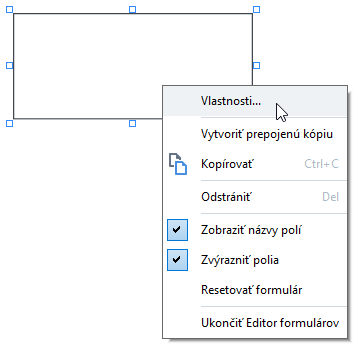
General tab
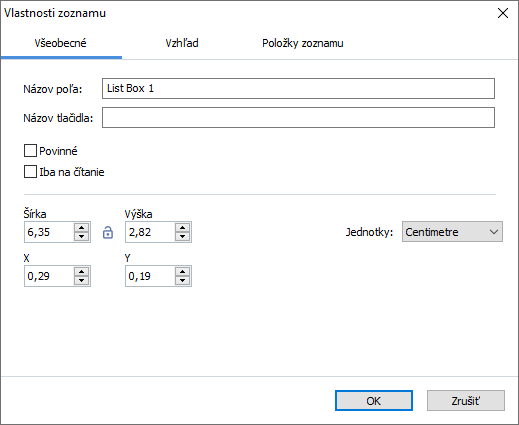
 - The width and height of the field are independent of each other.
 - The width and height of the field can only be changed in proportion to each other.
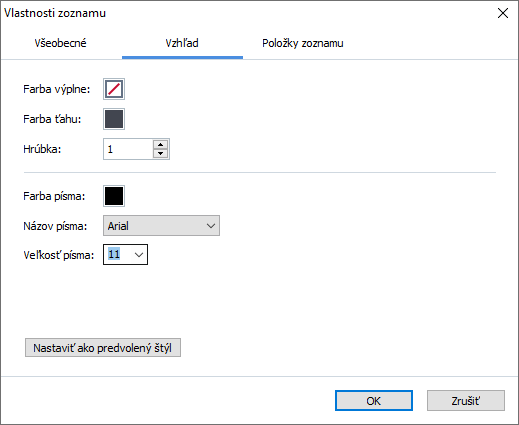
Appearance tab
List Items tab
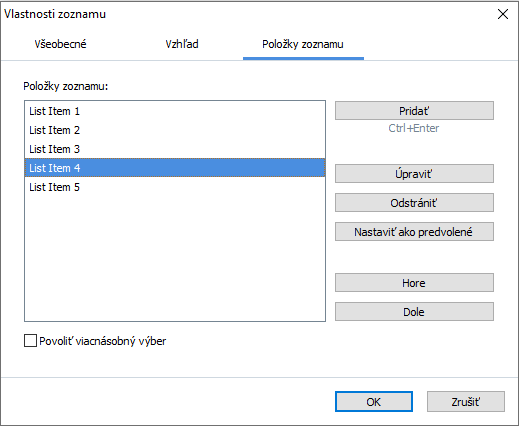
 To delete multiple items, click them one by one while holding down the Ctrl key and then click Odstrániť.
 3/4/2022 7:13:26 AM